For vessel crews
Your order,
from the wheelhouse.
Add Grafton Towboat Services to your Home Screen and your boat's details, your cart and your past orders are waiting the next time you need them. No app store, nothing to download.
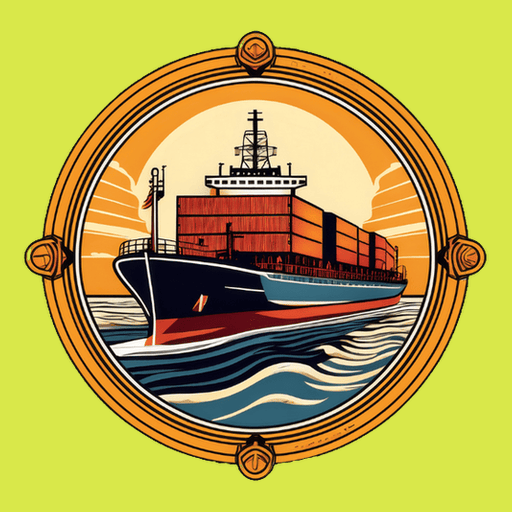
Look for this icon
Grafton Towboat Services
This is what appears on your Home Screen when you're done.
iPhone or iPad
about 30 seconds- 1
Open this page in Safari
It has to be Safari — Chrome on an iPhone can’t install apps.
- 2
Tap the Share button
The square with an arrow, at the bottom of the screen.
- 3
Choose “Add to Home Screen”
Scroll down the list to find it, then tap Add.
- 4
Open it from your Home Screen
Close Safari first. Opening from the icon is what gives you the full screen, with your cart and vessel details remembered.
Tapped “Don't Allow” by mistake? The app can't ask a second time. Open Settings → Notifications → Grafton Towboat Services and switch them on there.
Android, or a computer
Open this page in Chrome or Edge.
Tap the Install icon in the address bar, or use the browser menu → Install app.
Open the installed app and turn on “Notify me of new orders”.
On a computer you can skip installing altogether — Chrome and Edge notify from an ordinary tab. Installing just keeps it working once the tab is closed.